I Almost Installed the Wrong App
A few weeks ago, I was helping a friend customize his Android phone. He wanted to add a fingerprint lock, but his phone didn’t have a fingerprint sensor. After searching online, we found dozens of apps claiming they could “add fingerprint unlock to any phone.”
It sounded impressive, but after trying a few of them, I quickly realized that many of those claims were exaggerated. Some apps simply displayed a fake fingerprint animation, while others asked for unnecessary permissions without providing any real security.
That experience taught me an important lesson: not every app that promises fingerprint security actually adds it to your phone.
If you’re looking for a free fingerprint app in 2026, here’s what you should know before installing anything.
Can an App Add a Real Fingerprint Sensor?
This is the first question most people ask.
The simple answer is no.
If your smartphone already has a built-in fingerprint sensor, an app can help you manage or use that hardware in certain ways. However, if your phone has no physical fingerprint scanner, no app can create a real fingerprint sensor through software alone.
Many videos and websites suggest otherwise, but that’s not how smartphone hardware works.
Understanding this can save you time and help you avoid downloading misleading apps.
So Why Do Fingerprint Apps Exist?
When I tested several fingerprint-related apps, I noticed they usually fall into a few categories.
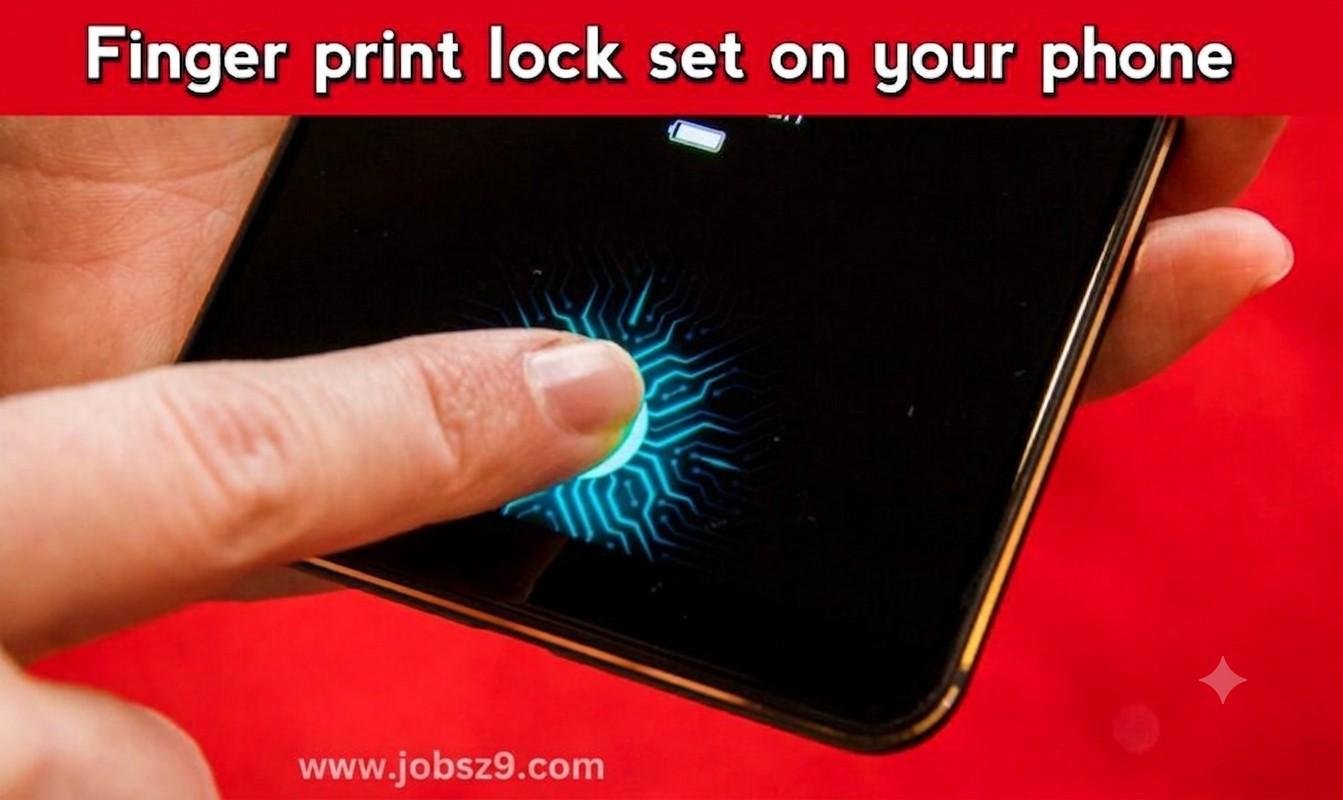
Some apps provide a fingerprint-style lock screen animation for entertainment.
Others work with phones that already have a fingerprint scanner and offer extra customization options.
A few are designed to lock individual apps using the fingerprint hardware already built into the device.
Each type serves a different purpose, so it’s important to read the app description carefully before installing it.
My Experience Trying Free Fingerprint Apps
Out of curiosity, I tested a few free apps on an Android phone.
Some looked attractive in screenshots but didn’t offer much after installation.
One app simply showed a fingerprint animation before asking for a PIN.
Another changed the lock screen appearance but still relied on the phone’s existing security settings.
The better apps clearly explained what they could and couldn’t do. They didn’t promise impossible features, which made them feel more trustworthy.
How to Choose a Good Fingerprint App
After trying several options, I now check a few things before installing any security-related app.
Read the Description Carefully
A trustworthy app usually explains exactly what it does.
If an app claims it can create a fingerprint sensor on a phone that doesn’t have one, be cautious.
Check Recent User Reviews
Reading recent reviews often gives a better idea of how the app performs after updates.
Look for comments about stability, usability, and unexpected issues rather than focusing only on star ratings.
Review the Permissions
Before installing any app, check which permissions it requests.
If a simple lock screen app asks for access that doesn’t seem related to its purpose, think carefully before allowing it.
Download From Trusted Sources
Whenever possible, install apps from well-known app stores rather than unfamiliar websites.
This reduces the risk of downloading modified or unsafe versions.
When a Fingerprint App Can Be Useful
Although these apps cannot create new hardware, they can still be useful in some situations.
For example:
- Personalizing your lock screen.
- Adding an extra lock to certain apps on supported devices.
- Organizing security settings more conveniently.
- Giving your phone a different visual style.
The usefulness depends on your phone’s hardware and the features offered by the app.
Common Misunderstandings
During my testing, I noticed several misconceptions that appear frequently online.
“Every Android Phone Can Get Fingerprint Unlock Through an App”
This isn’t true.
A real fingerprint scanner is a physical component inside the phone.
Software alone cannot replace missing hardware.
“Fingerprint Animation Means Real Security”
Not always.
Some apps simply display an animation before asking for a PIN or password.
The animation itself doesn’t provide biometric protection.
“More Permissions Mean Better Features”
That’s not necessarily true.
Only grant permissions that make sense for the app’s intended function.
Tips Before Installing Any Security App
Here are a few habits that have helped me avoid unnecessary problems.
- Update your phone regularly.
- Read the app description completely.
- Check recent reviews.
- Avoid apps making unrealistic promises.
- Remove apps you no longer use.
- Keep your phone’s built-in security enabled.
These small habits can improve your overall device security.
Who Should Use These Apps?
Fingerprint-related apps may be useful for people who:
- Already have a phone with a fingerprint sensor.
- Want additional customization.
- Prefer app-specific locking features.
- Enjoy personalizing their Android experience.
If your phone doesn’t include fingerprint hardware, it’s better to understand the app’s actual purpose instead of expecting it to add a new sensor.
Final Thoughts
When I first searched for a free fingerprint app, I expected every app to deliver the same feature. After testing several of them, I realized that’s not the case.
Some apps are useful for customization, some work alongside existing fingerprint hardware, and others simply change the appearance of your lock screen. The most important thing is knowing what an app can realistically do before installing it.
If you choose carefully, read the details, and avoid apps that make impossible promises, you’ll have a much better experience and avoid unnecessary disappointment.