Losing access to your Instagram business account can be stressful, especially if you use it to promote your brand, connect with customers, or run advertisements. Many business owners panic when they forget their password or discover that someone has changed it. The good news is that Instagram provides several official ways to recover your account safely.
In this guide, you’ll learn how to recover your Instagram business account password, what to do if you no longer have access to your email or phone number, and how to protect your account from future problems.
Table of Contents
- What Is an Instagram Business Account?
- When Do You Need Password Recovery?
- How to Recover Your Instagram Business Account Password
- What If You Don’t Have Access to Your Email or Phone?
- How to Recover a Hacked Business Account
- Tips to Keep Your Business Account Safe
- Common Password Recovery Mistakes
- Frequently Asked Questions
- Final Thoughts
What Is an Instagram Business Account?
An Instagram Business Account is designed for brands, shops, creators, and companies. It offers extra features that are not available on personal accounts.
With a business account, you can:
- View account insights
- Add business contact information
- Run Instagram ads
- Connect with Facebook
- Use professional business tools
Because these accounts often represent a business, keeping them secure is very important.
When Do You Need Password Recovery?
You may need to recover your password if:
- You forgot your password.
- Someone changed your password.
- Your account was hacked.
- You cannot log in on a new phone.
- Instagram asks you to verify your identity.
No matter the reason, always use Instagram’s official recovery options instead of third-party websites or apps.
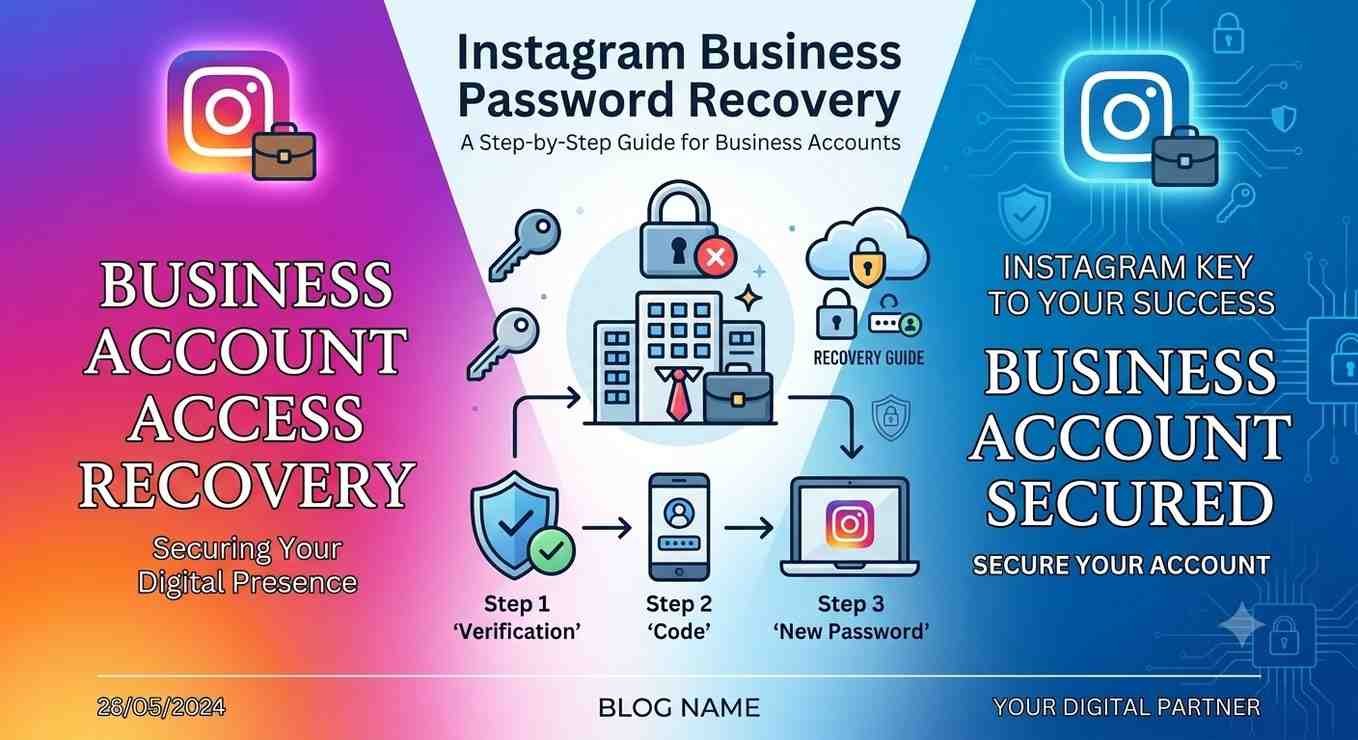
How to Recover Your Instagram Business Account Password
Recovering your password is usually simple if you still have access to your registered email address or phone number.
Step 1: Open Instagram
Launch the Instagram app or visit the Instagram login page.
Step 2: Tap “Forgot Password?”
On the login screen, choose the Forgot Password? option.
Step 3: Enter Your Details
You can enter:
- Your username
- Your email address
- Your phone number
Instagram will search for your account.
Step 4: Receive the Recovery Link
Instagram will send a password reset link or verification code to your registered email or phone number.
Step 5: Create a New Password
Open the recovery link and choose a strong new password.
A good password should include:
- Uppercase letters
- Lowercase letters
- Numbers
- Special characters
Avoid using your business name or simple passwords like “12345678.”
What If You Don’t Have Access to Your Email or Phone?
Sometimes business owners lose access to their old email address or phone number.
In this situation, try these options:
Check Your Old Email
If you can still recover your email account, do that first. Once you regain access, you can reset your Instagram password.
Try Another Login Option
If your Instagram account is connected to Facebook, you may be able to log in using Facebook.
Request Additional Help
On the login page, select the option for additional login help and follow the instructions. Instagram may ask for information to verify that you own the account.
The more accurate information you provide, the better your chances of recovering your account.
How to Recover a Hacked Business Account
If someone has hacked your Instagram business account, act quickly.
Check Your Email
Instagram often sends an email if your account email address has been changed.
If you receive this message, use the option to reverse the change immediately.
Secure Your Email Account
If hackers accessed your email, change your email password before recovering Instagram.
Report the Problem
If you cannot log in, use Instagram’s official account recovery process and follow the verification steps.
You may be asked to confirm your identity before Instagram restores access.
Tips to Keep Your Business Account Safe
Recovering your password is important, but preventing future problems is even better.
Here are some useful security tips:
- Turn on Two-Factor Authentication.
- Use a unique password.
- Never share your password with anyone.
- Keep your email account secure.
- Review your login activity regularly.
- Remove unknown devices from your account.
- Update your password every few months.
These simple habits can greatly reduce the risk of losing your account.
Common Password Recovery Mistakes
Many users accidentally make recovery harder by making simple mistakes.
1. Using Fake Recovery Websites
Never trust websites that promise instant Instagram password recovery.
Only use Instagram’s official recovery options.
2. Downloading Unknown Apps
Some apps claim they can recover Instagram passwords, but many are unsafe and may steal your personal information.
3. Ignoring Security Emails
Always read emails from Instagram carefully.
If you notice an email about account changes that you didn’t make, take action immediately.
4. Choosing a Weak Password
Using easy passwords makes your business account an easier target for hackers.
Always create a strong and unique password.
Frequently Asked Questions
Can I recover my Instagram business account without an email?
Yes, if your phone number or Facebook account is connected. Otherwise, you’ll need to complete Instagram’s account verification process.
Can Instagram recover my hacked account?
Yes. If you can verify that you’re the owner, Instagram may help you recover your account.
Are Instagram password recovery apps safe?
No app can magically recover your Instagram password. Always use Instagram’s official recovery methods.
How long does password recovery take?
If you have access to your email or phone, it usually takes only a few minutes. If manual verification is required, it may take longer.
Get Instagram Password
Final Thoughts
Forgetting your Instagram business account password doesn’t always mean you’ve lost your account. In most cases, you can recover it by using your registered email address, phone number, or other official recovery options provided by Instagram.
If your account has been hacked, act as quickly as possible, secure your email account, and follow Instagram’s official recovery process. Avoid fake recovery apps and websites that promise instant access, as they can put your account at even greater risk.
The best long-term solution is prevention. Use a strong password, enable Two-Factor Authentication, and regularly review your account security. These small steps can help keep your Instagram business account safe and ensure you never lose access when your business depends on it.