I Didn’t Install It for Productivity… But That’s What Happened
I originally downloaded the Nokia 1280 Launcher for one simple reason—I wanted my phone to look different for a few days. I missed the clean and simple style of old mobile phones, and I thought it would be fun to bring back that classic look.
I wasn’t expecting anything beyond a visual change.
After using it for several days, I noticed something surprising. I was unlocking my phone less often, spending less time switching between random apps, and finding what I needed much faster. It didn’t magically change my habits overnight, but the simpler layout made my phone feel less distracting.
If you’ve been thinking about trying the Nokia 1280 Launcher, here’s what my experience was like and what you should know before installing it.
What Exactly Is Nokia 1280 Launcher?
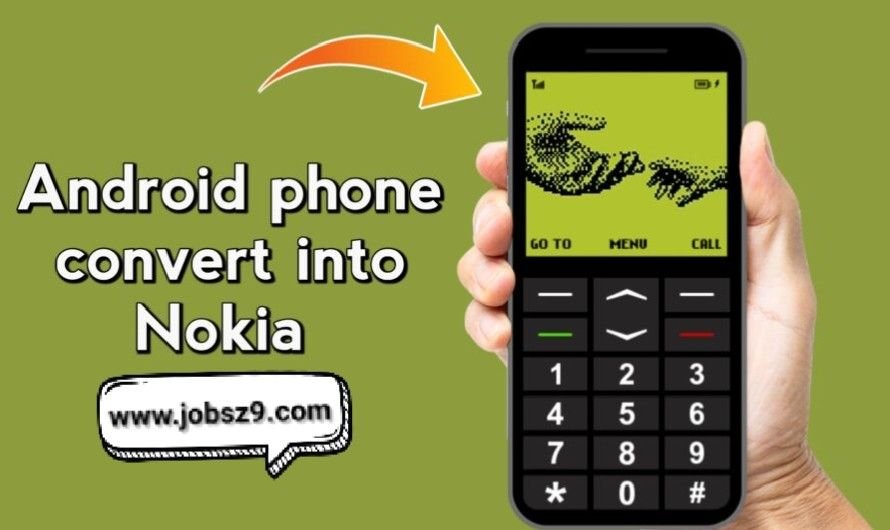
The Nokia 1280 Launcher is an Android launcher that redesigns your home screen to resemble the classic Nokia 1280 mobile phone.
Instead of the modern Android interface filled with colorful icons and widgets, it offers a much simpler menu inspired by older keypad phones.
Your phone still runs Android, your apps continue to work normally, and nothing important is removed. The launcher only changes how your home screen looks and how you navigate it.
Why Are So Many People Interested in It?
When I first looked at screenshots of the launcher, I assumed it was only for people who felt nostalgic.
After trying it myself, I realized there are several reasons why someone might actually enjoy using it.
Some people want a cleaner home screen.
Others like the classic Nokia design because it reminds them of their first mobile phone.
Some users simply enjoy changing the appearance of their device without replacing the phone itself.
For me, it was a combination of curiosity and wanting a break from the usual Android layout.
Installing the Launcher Was Surprisingly Simple
I expected the setup process to take some time, but it was much easier than I imagined.
After installing the launcher and selecting it as my default home screen, the entire appearance of my phone changed within moments.
The first thing I noticed was how clean everything looked.
There were no oversized widgets, no crowded rows of colorful icons, and no unnecessary visual clutter.
It immediately gave my phone a completely different personality.
My First Day Using It
The first few hours felt unusual because I was used to the standard Android layout.
I instinctively tapped places where app icons normally appeared.
After a short while, I became comfortable with the simpler navigation.
Finding apps actually became easier because there were fewer things competing for my attention.
That was something I honestly didn’t expect.
Features That Stood Out During Daily Use
While using the launcher every day, I noticed several things that made the experience enjoyable.
A Clean Interface
Everything feels organized.
The screen doesn’t look overloaded, making it easier to focus on what you’re trying to do.
Classic Nokia Appearance
The menu style brings back memories of older mobile phones without removing modern Android features.
It creates a nice balance between nostalgia and functionality.
Smooth Performance
On my device, opening the home screen felt quick and responsive.
I didn’t notice unnecessary animations slowing things down.
Easy Navigation
The menu is simple enough that almost anyone can understand it after using it for a few minutes.
You don’t need to spend time learning complicated settings.
What Changed After a Few Days?
This was probably the biggest surprise.
Normally, I unlock my phone just to check one notification and end up scrolling through several apps.
With the Nokia 1280 Launcher, that happened much less often.
The simpler design encouraged me to open the app I needed and then lock my phone again.
It wasn’t because the launcher blocked distractions.
It was simply because the home screen didn’t constantly invite me to keep tapping random icons.
Is It Actually Practical?
Yes, at least in my experience.
If your goal is to completely transform Android into an old Nokia phone, you’ll probably be disappointed because that’s not what this launcher does.
However, if you simply want a cleaner interface with a classic appearance, it performs that job quite well.
Your messaging apps, camera, browser, music player, and other applications continue working exactly as they did before.
Only the presentation changes.
Download App
Who Might Enjoy This Launcher?
After using it for several days, I think it’s best suited for people who:
- Enjoy classic mobile phone designs.
- Prefer a cleaner home screen.
- Like experimenting with Android customization.
- Want something different from the standard Android interface.
- Appreciate a simple layout instead of a busy one.
Of course, personal preference plays a big role.
Some people love modern launchers packed with widgets, while others enjoy a more minimal design.
The Nokia 1280 Launcher is clearly aimed at the second group